

Get started as an organiser
The organiser part of OriGo is a separate app, apart from the app the runners use. You can jump straight in in the browser, or download the organiser app.
1. Straight in the browser: admin.ori-go.app
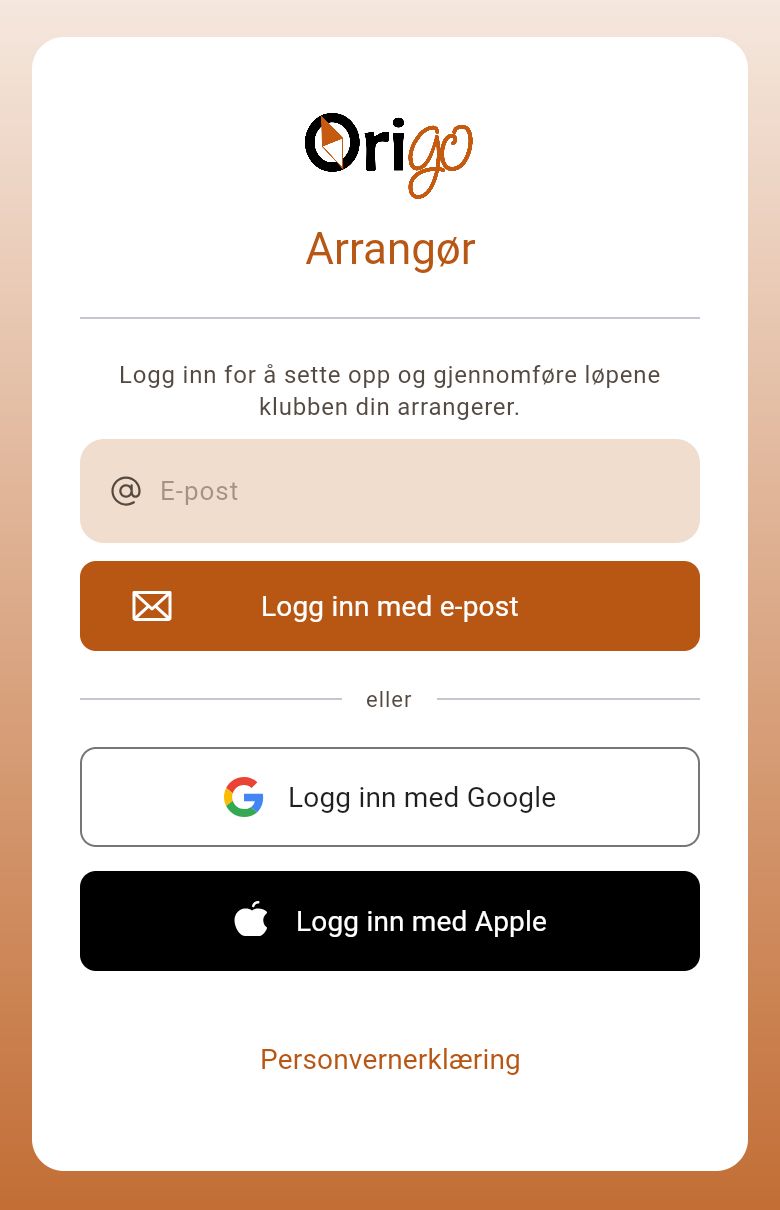
Section titled “1. Straight in the browser: admin.ori-go.app”If you just want to get going, open admin.ori-go.app and log in with the same account you use elsewhere in OriGo — nothing to install. The browser is fine for setup, entries, start lists and results. The chip reader and printer work in Chrome and Edge, but not in Safari and Firefox.
2. Best experience: download the orange organiser app
Section titled “2. Best experience: download the orange organiser app”You get the best experience in one of the organiser apps. To organise races, «OriGo: Arrangør» is the one to download — the app with the orange icon. The ordinary «OriGo» app with the white icon is the participant app for runners, and does not have the organiser features.

For organisers — download this one

For runners
- iPhone and iPad: «OriGo: Arrangør» in the App Store.
- Android: «OriGo: Arrangør» in Google Play.
- PC, Mac and Linux: the desktop app. We recommend it at the arena, because it connects directly to the chip reader and the printer.
3. Full access requires an organiser role in Eventor
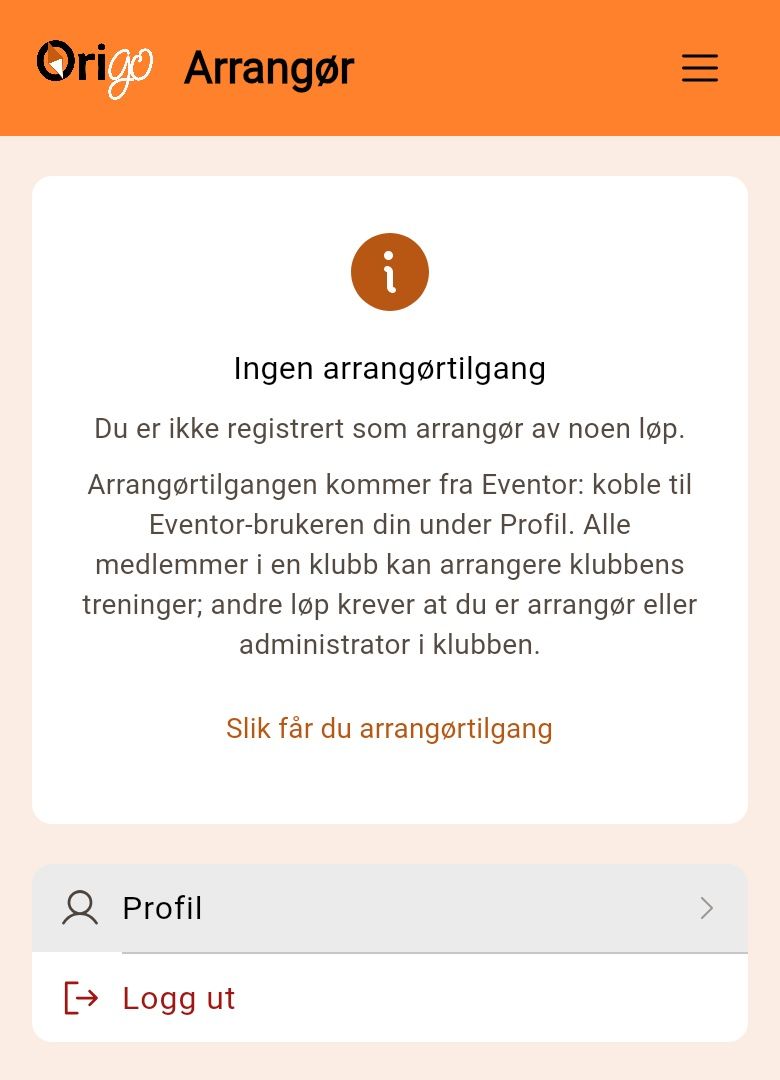
Section titled “3. Full access requires an organiser role in Eventor”Organiser access comes from Eventor, so log in to OriGo and connect your Eventor user under «Profile». Any member of the organising club can organise trainings and club races. Races in the official calendar — local, district and national races and championships — require you to be an organiser or administrator in the club in Eventor to get full access. If you aren’t, you get the notice «No organiser access», and races you cannot open are marked «No organiser access». The organiser features also require the club to have a licence.
4. Give the officials a role in the race
Section titled “4. Give the officials a role in the race”Officials who are not organisers in Eventor get access from someone who is. The club organiser opens the race, goes to «Settings» and «Access control», and gives the person a role in this particular race: entry desk, starter, finish official or full organiser access. The person must have an OriGo account connected to Eventor to be found there, and the access only applies to that one race.