

Organise a training
A training with free start and unforked courses is set up in a few minutes. Any member of the club can do it — you need no organiser role in Eventor.
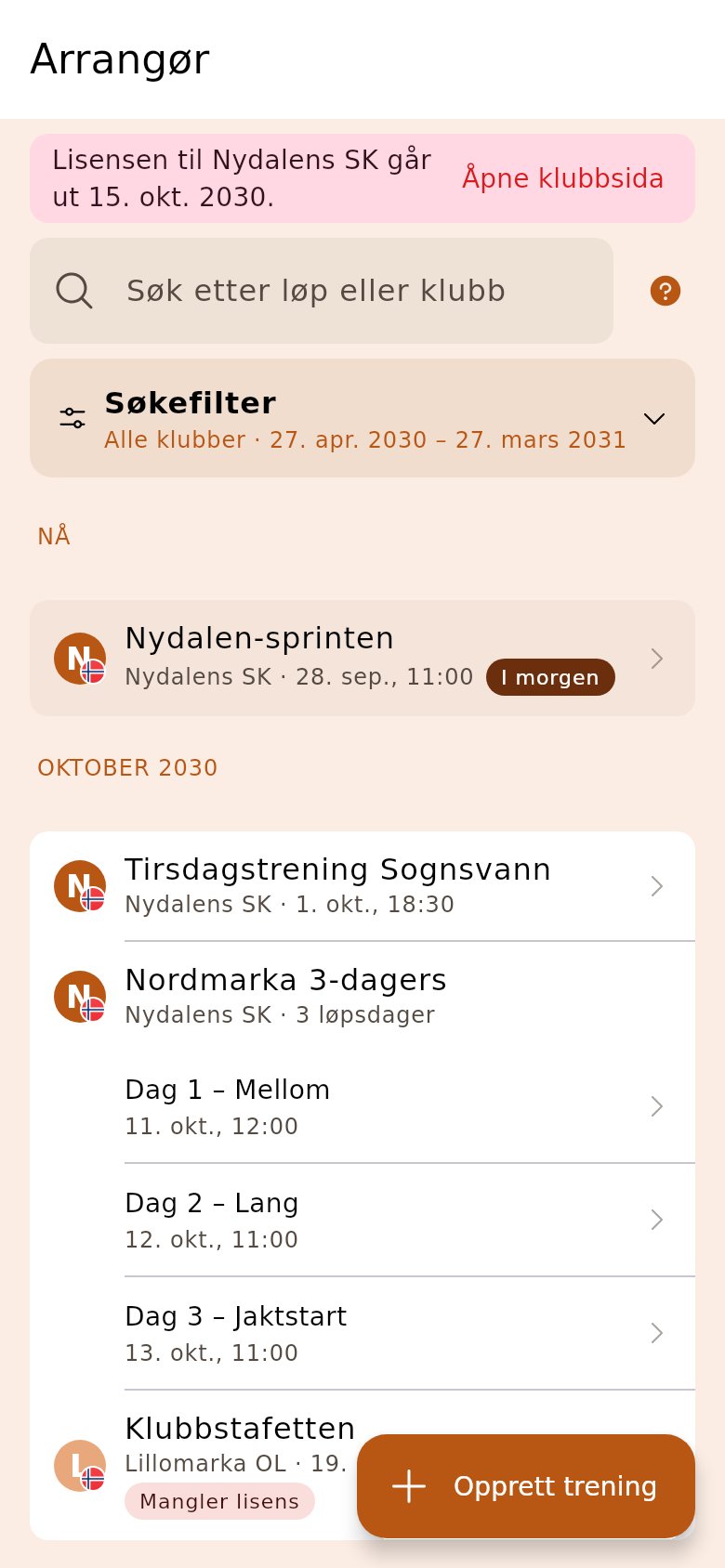
1. Tap «Create training»
Section titled “1. Tap «Create training»”Log in to the organiser app. The button is at the bottom of the start page, above the list of races.
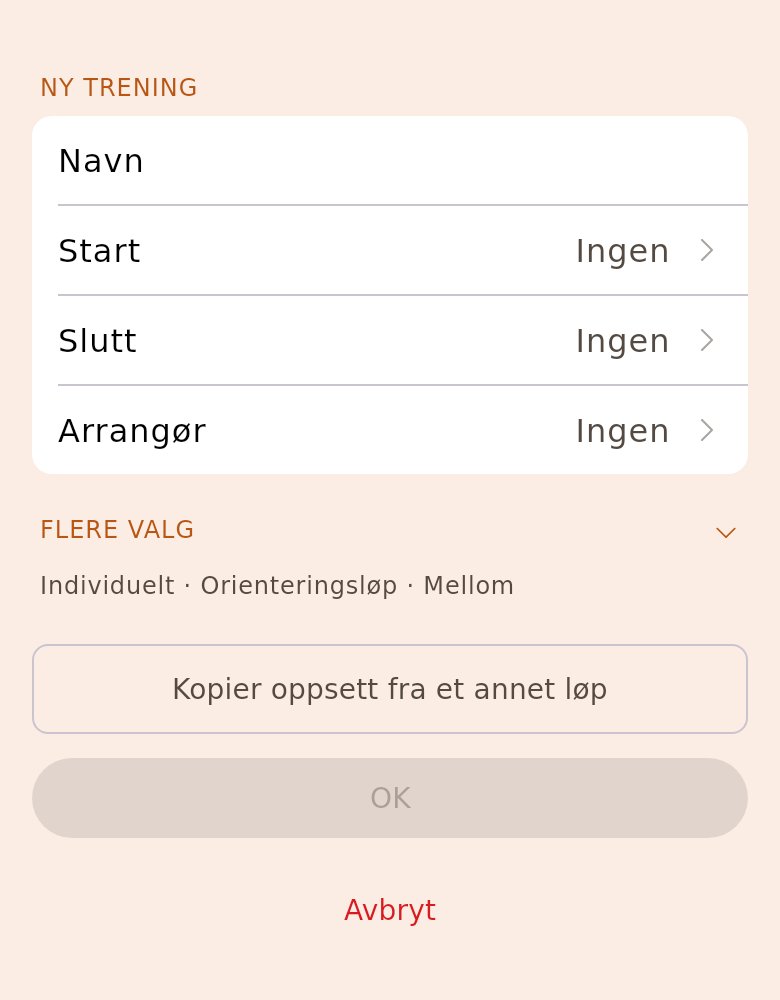
2. Give the training a name and a time
Section titled “2. Give the training a name and a time”Name, when it starts and ends, and the club if you are in several. The rest has defaults. If it’s the same set-up as last time, tap «Copy setup from another race» and choose the previous training — the classes and courses come along.
3. Choose «Use simple setup»
Section titled “3. Choose «Use simple setup»”The wizard opens on the training. The «Simple race?» card gives everyone a free start, publishes the training in the OriGo app and opens direct entry, so only the courses and publishing are left.
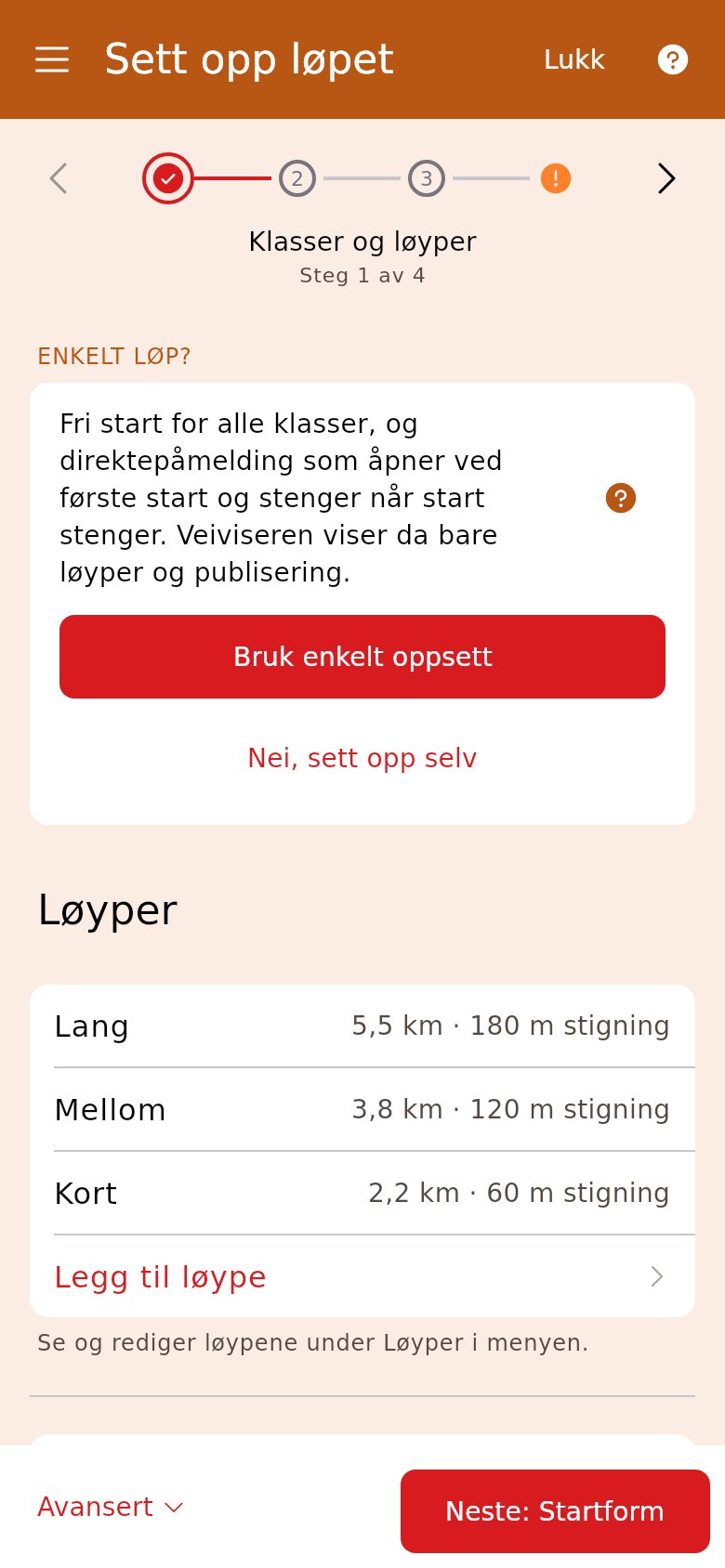
4. Add the courses
Section titled “4. Add the courses”Tap «Add course» and upload the course file from Purple Pen or OCAD, or type the control codes yourself. With «One class per course» turned on, each course becomes a class, so you don’t have to create classes.
5. Publish
Section titled “5. Publish”Tap «Next: Publish». The checklist at the top should be green, and «Publish in the OriGo app» and direct entry should be on — then the runners can enter in the OriGo app and follow the results. Tap «Done».
6. On training day
Section titled “6. On training day”The runners enter themselves, or at «Entry» at the arena. When they finish, you read the chips in «Finish registration» — the results are live straight away.