

Close the race
When the last runner has finished, everyone needs a status, mistakes need fixing, and the result list must go to Eventor. The results in OriGo are already live — there is no separate publishing there.
1. Check that everything has been sent
Section titled “1. Check that everything has been sent”If the network has been down, a counter shows what is waiting to be sent. Wait until it is empty before you go on.
2. Give a status to those without a result
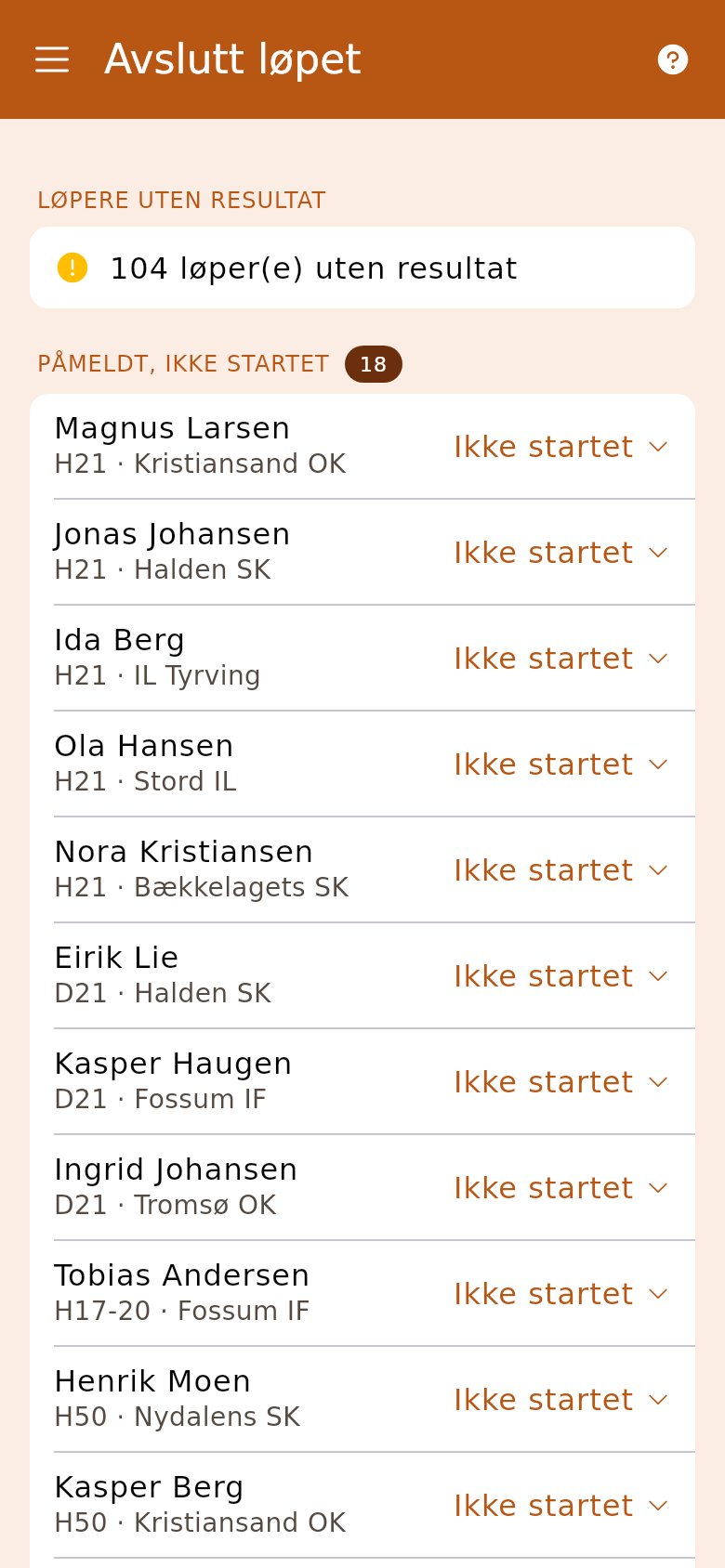
Section titled “2. Give a status to those without a result”Open «Finish the race». At the top are everyone without a result, with a suggestion: «Not started» for those who never started, «Did not finish» for those who never finished. Change it where needed, and set the status for everyone in one tap. This needs a network connection; without one nothing is changed.
3. Fix what is wrong
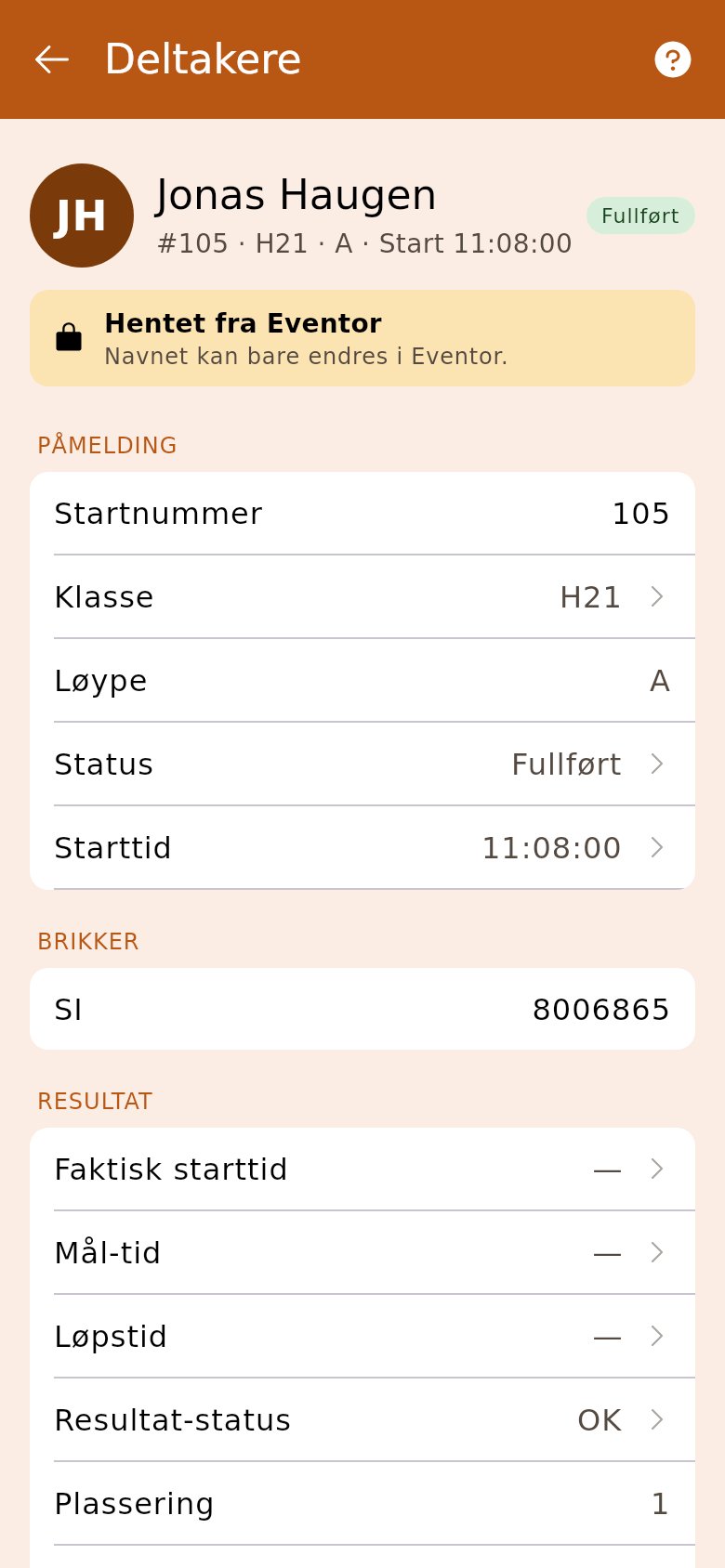
Section titled “3. Fix what is wrong”Tap «Check the results» on «Finish the race»: OriGo works out every result again from the chip readout, and «Correct N result(s)» corrects the differences. Anything else you correct on the runner in «Competitors». If a control was dead, mark it in «Controls» and check the punches again.
4. Send the result list to Eventor
Section titled “4. Send the result list to Eventor”Back on «Finish the race», choose under «Invoicing» whether everyone entered should pay, or only those who started. Then tap «Publish the result list to Eventor». You get the link to the list and the split times back. If there are differences from the chip readouts, publishing stops until you have checked them or tapped «Publish anyway». Without an API key, download the file and upload it to Eventor yourself. The runners get their place as a notification when the list goes out.
5. Send the invoices
Section titled “5. Send the invoices”If the club invoices from OriGo, open «Settlement» when all the days are closed, look over the basis, choose the sender and channel, and tap «Send N invoices» and then «Confirm and send». If you invoice from Eventor, you’re done.