
Staff the start
At the start you need to know who is out in the forest, and that everyone has the right chip. It all happens in «Start registration» in the side menu.
1. Choose «Call-up» for drawn start times
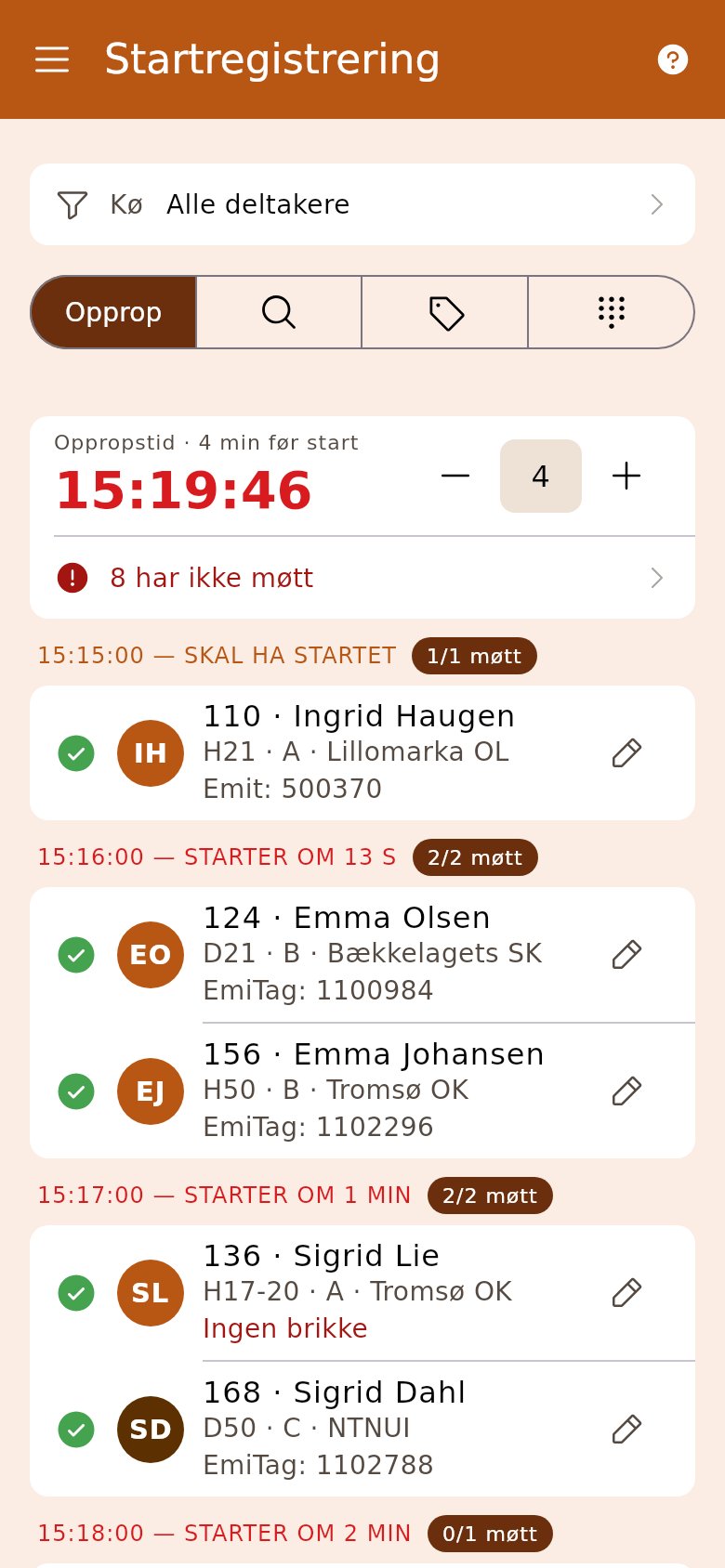
Section titled “1. Choose «Call-up» for drawn start times”The big number is the start time being called up now. With − and + you set how many minutes before the start the call-up happens. The list moves on with the clock.
2. Filter on your start pen
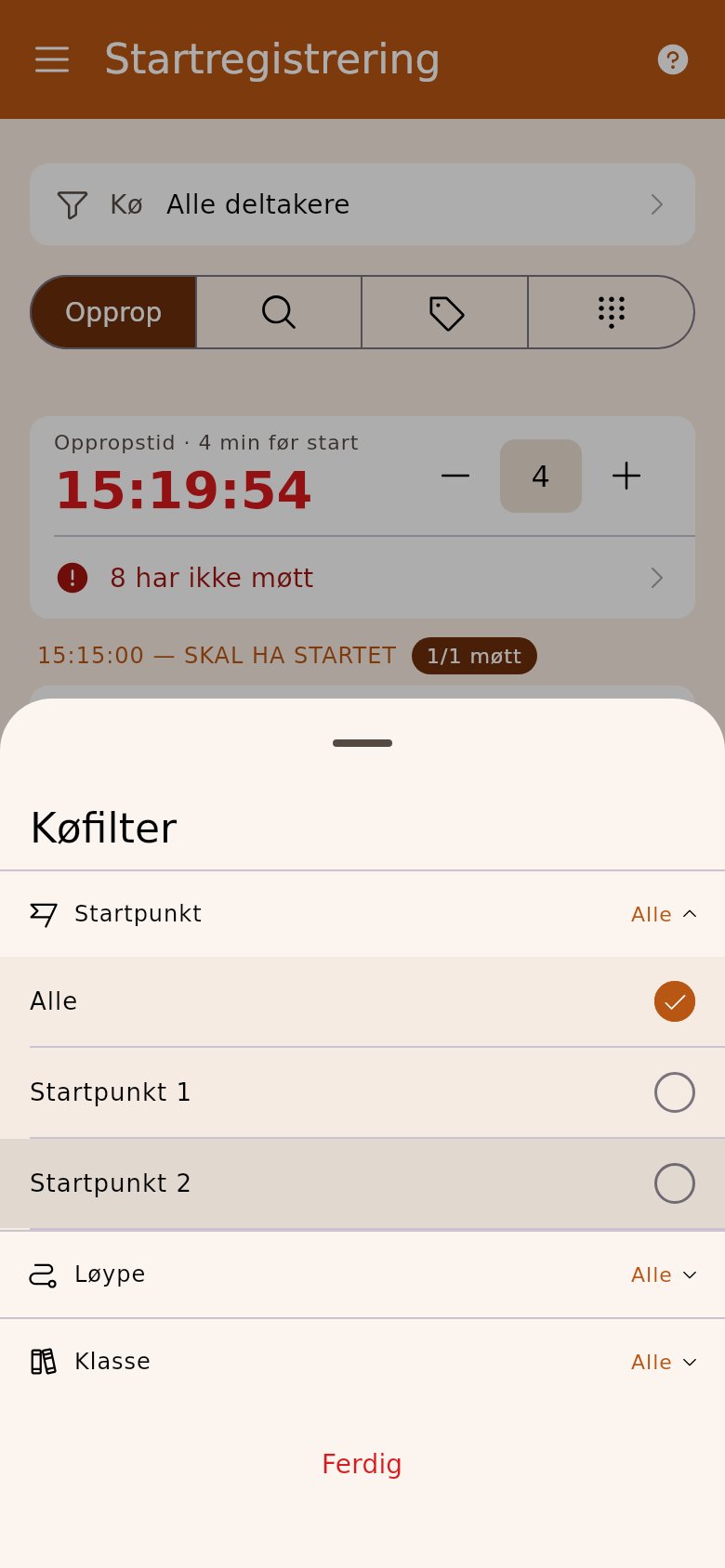
Section titled “2. Filter on your start pen”If the race has several starts, tap «Queue» and choose the start point, course or class. Then you only see your runners.
3. Tick off those who turn up
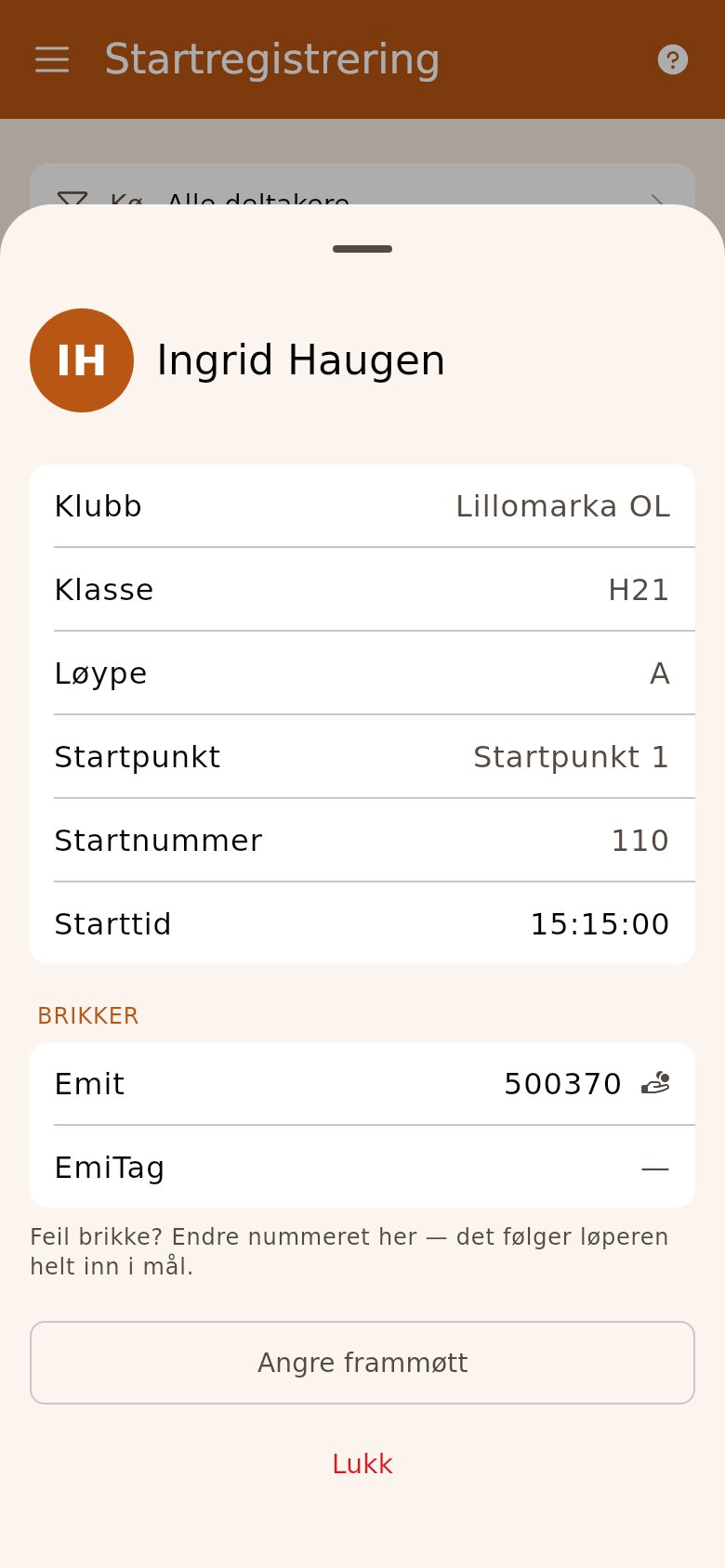
Section titled “3. Tick off those who turn up”Tap the circle in front of the name. The chip number is in the row; the pencil opens the runner card, where you correct it. The red row «… have not attended» takes you to those who are late.
4. Free start: read the chip
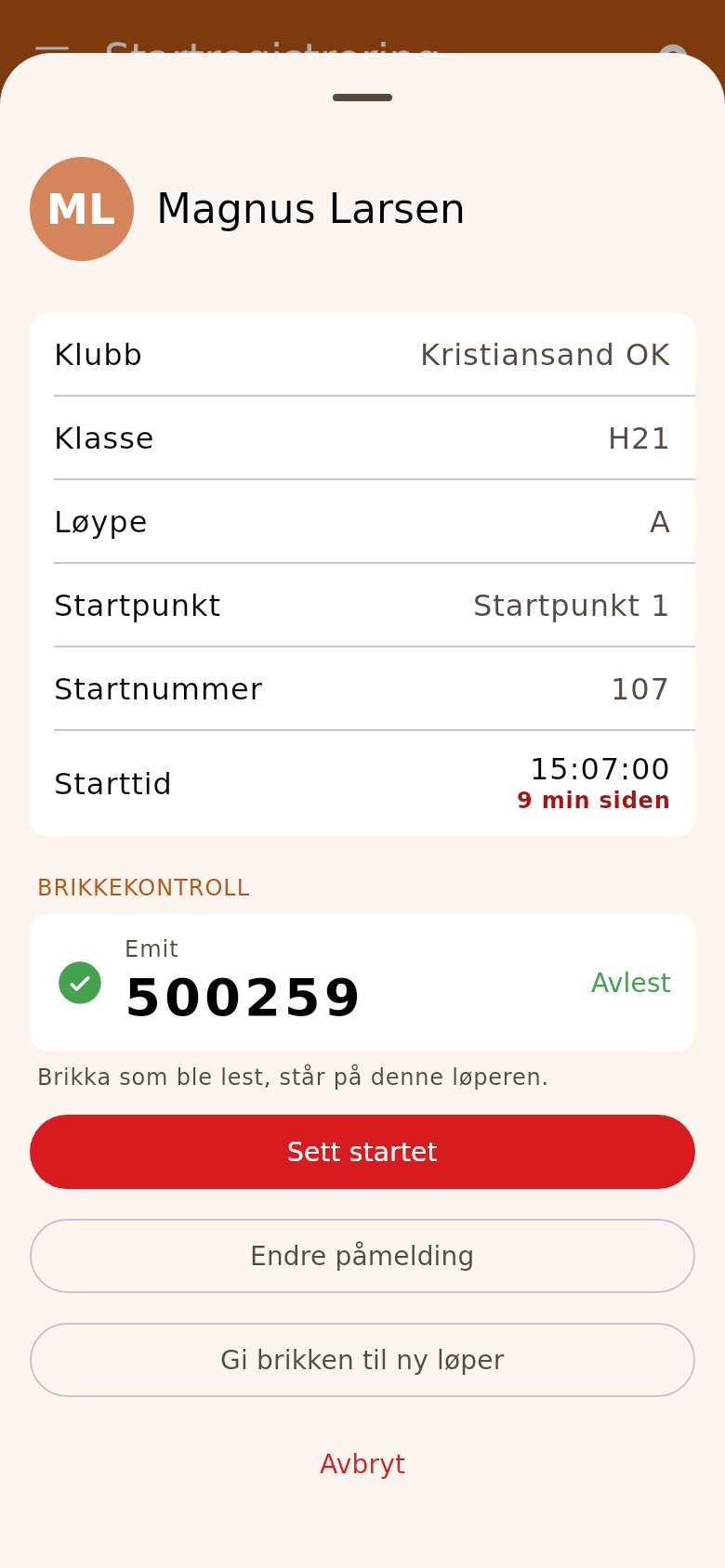
Section titled “4. Free start: read the chip”For classes with a free start, tap the chip icon («eScan») or search. Read the chip, check that the number is right, and tap «Mark started».