

Entries at the arena
«Entry» is the desk at the arena: here you enter late entries, hand out rental chips and correct entries before the start.
1. Open «Entry»
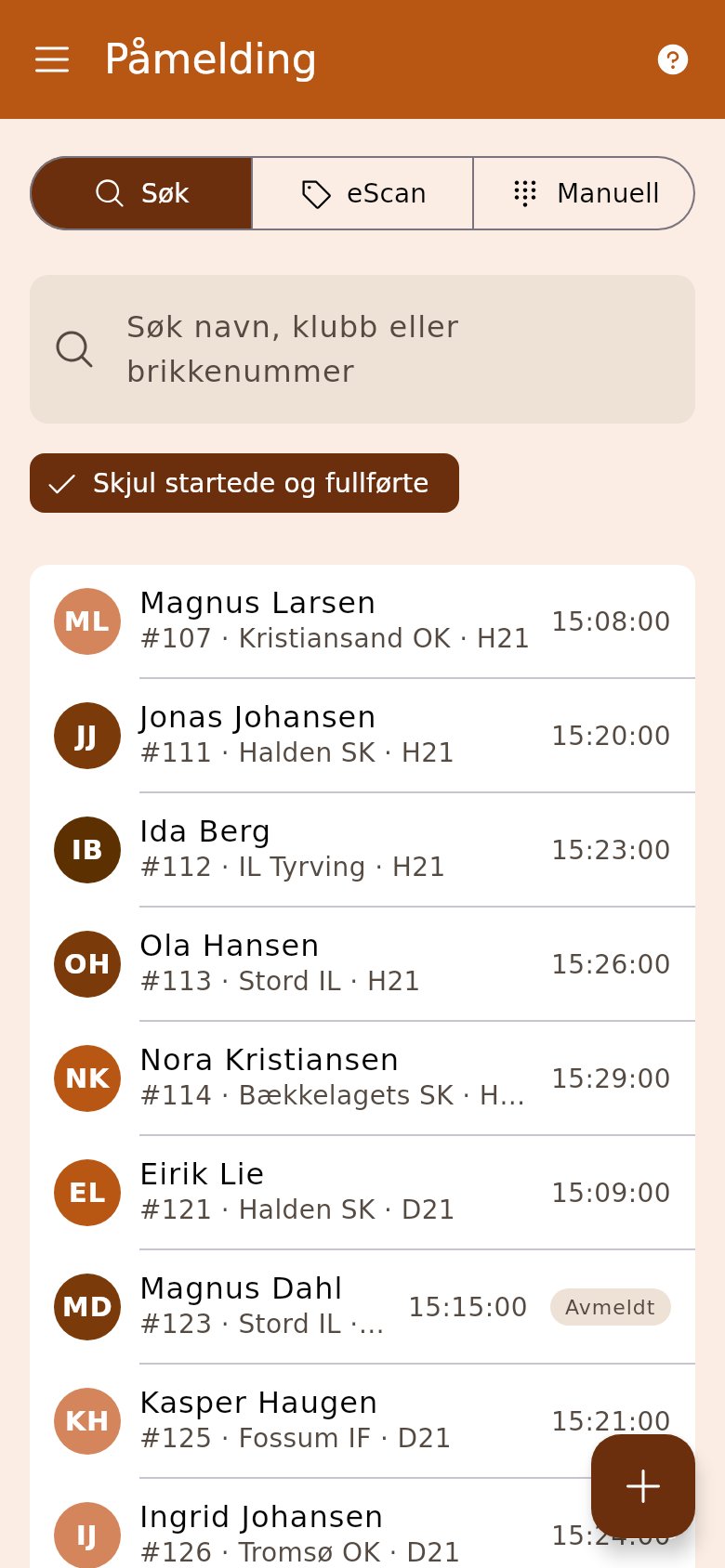
Section titled “1. Open «Entry»”You find it under race day in the side menu. The list shows the entries with class and start time.
2. Find the runner
Section titled “2. Find the runner”Type a name, club or chip number in the search field. If you have a chip reader, tap the chip icon («eScan») above the list and put the chip on the reader.
3. Correct what is wrong
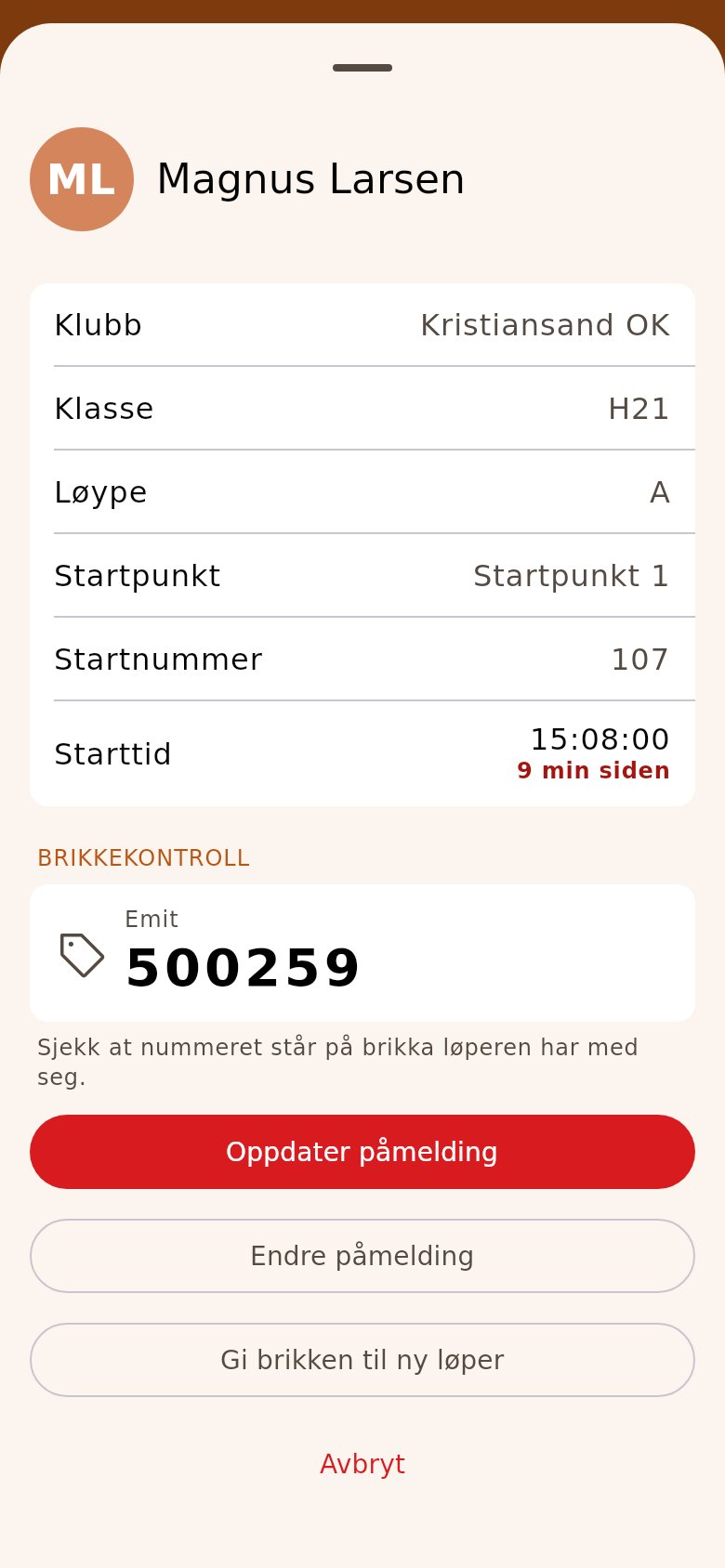
Section titled “3. Correct what is wrong”The card shows class, course, bib, start time and chip. If everything is right, tap «Update registration». To change class or chip, tap «Change entry»; to give the chip to another runner, «Give chip to another runner».
4. Enter a new runner
Section titled “4. Enter a new runner”Tap the plus button and search for the person — OriGo then fetches class and chip from Eventor. If they aren’t found, tap «Register manually». Choose class and chip. Under «Payment» it says «Amount due»: take the payment, and choose «Cash» or «Vipps». Tap «Enter».
5. Read out the receipt
Section titled “5. Read out the receipt”At the top are the bib, start time and fork the runner got. Tell the runner, and you’re ready for the next one.
- A runner without a club who doesn’t pay on the spot gets an invoice by e-mail after the race. «Invoice e-mail» must be filled in before you can enter them.
- If the entry costs nothing, as at a training without fees, «Payment» is gone. Then you enter without an e-mail and without taking payment.